The details make the difference
A little more you in every day.
Less noise between you and the work you want to do. Designed to make planning feel clear, personal, and easy to return to.
✓
ON DEVICE
01 / YOUR SPACE
Offline by nature.
Personal by design.
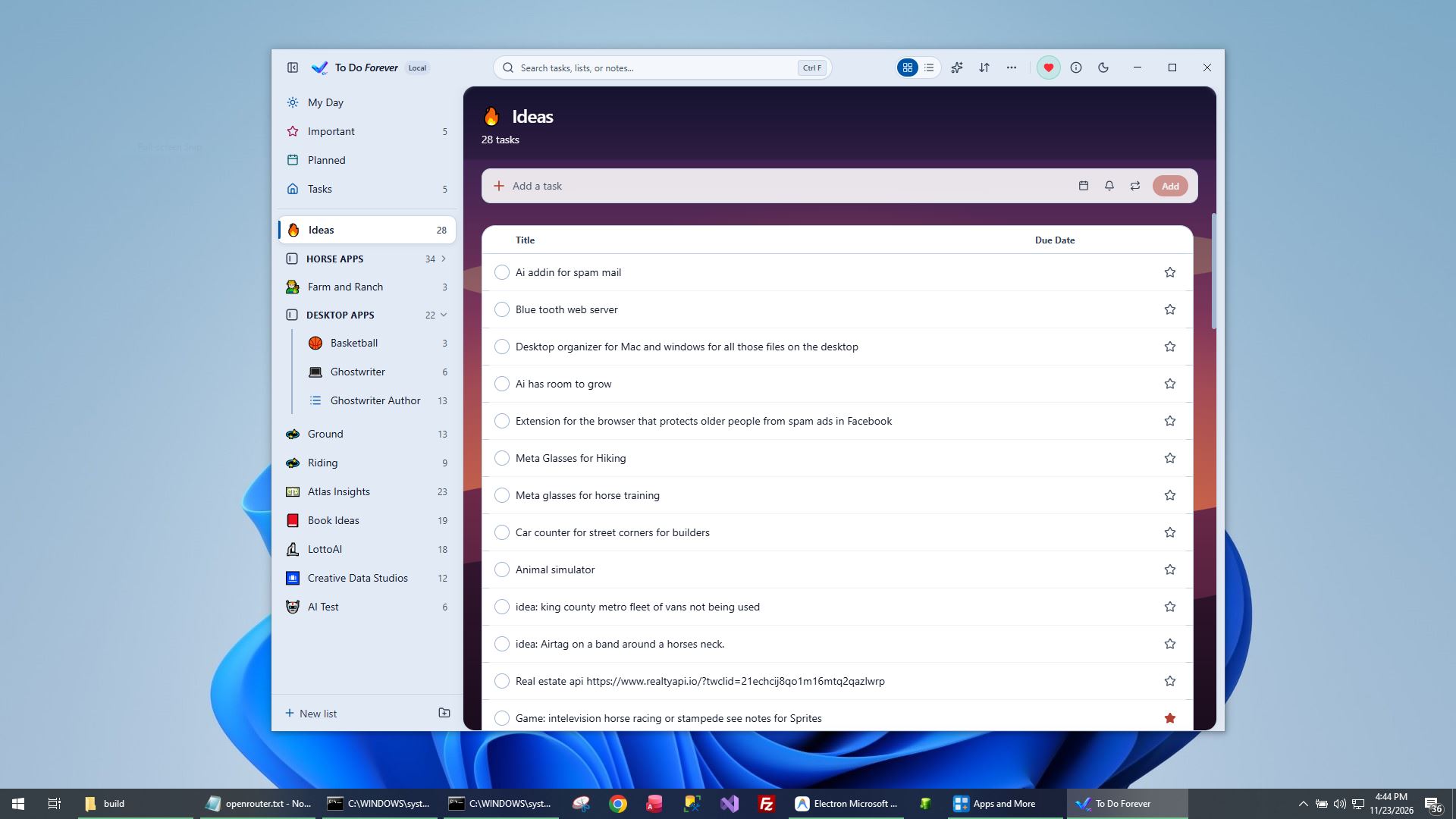
Free to use, with no account, ads, tracking, or telemetry. Tasks, notes, and attachments live in a fast local SQLite database, ready whenever you are—even offline.
✧
02 / OPTIONAL INTELLIGENCE
AI that works
on your terms.
Bring a key for OpenAI, Claude, Gemini, Grok, or OpenRouter. Ask about a task with its context, or turn a project description into a ready-to-use checklist.
↗
▦
03 / A CLEARER PLAN
Make a place
for every plan.
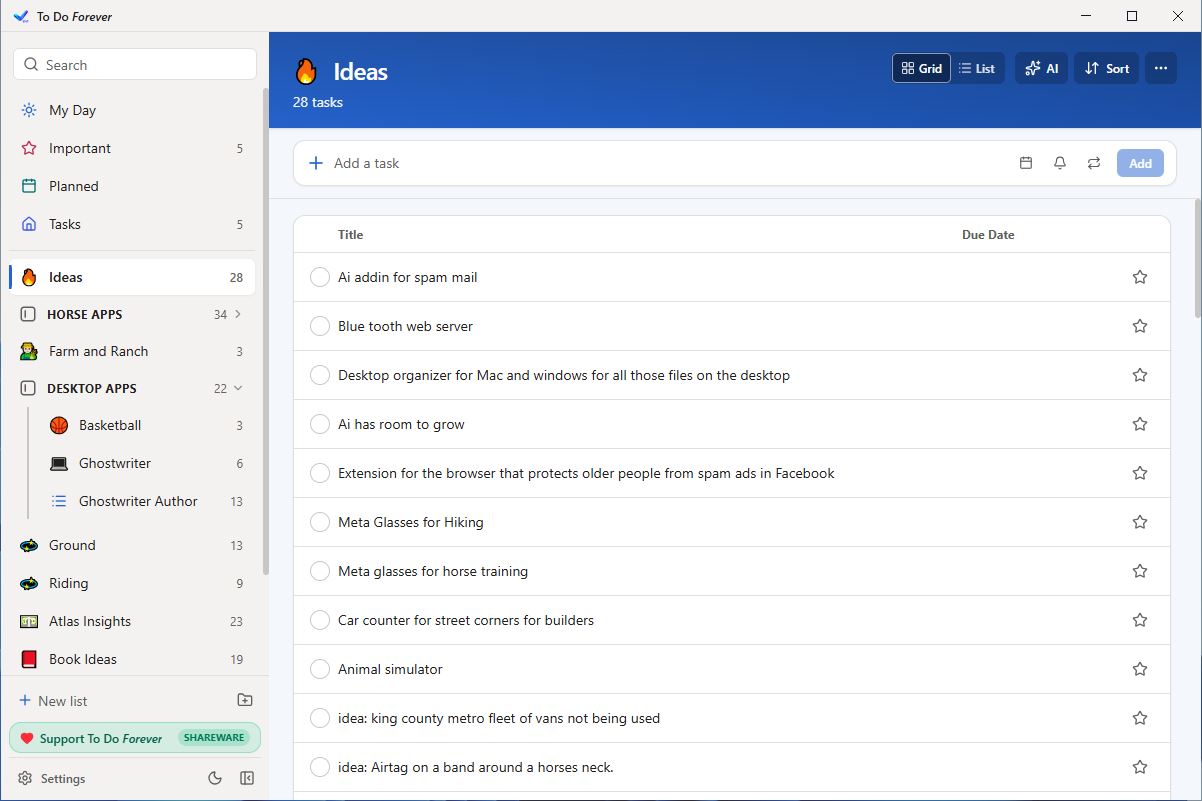
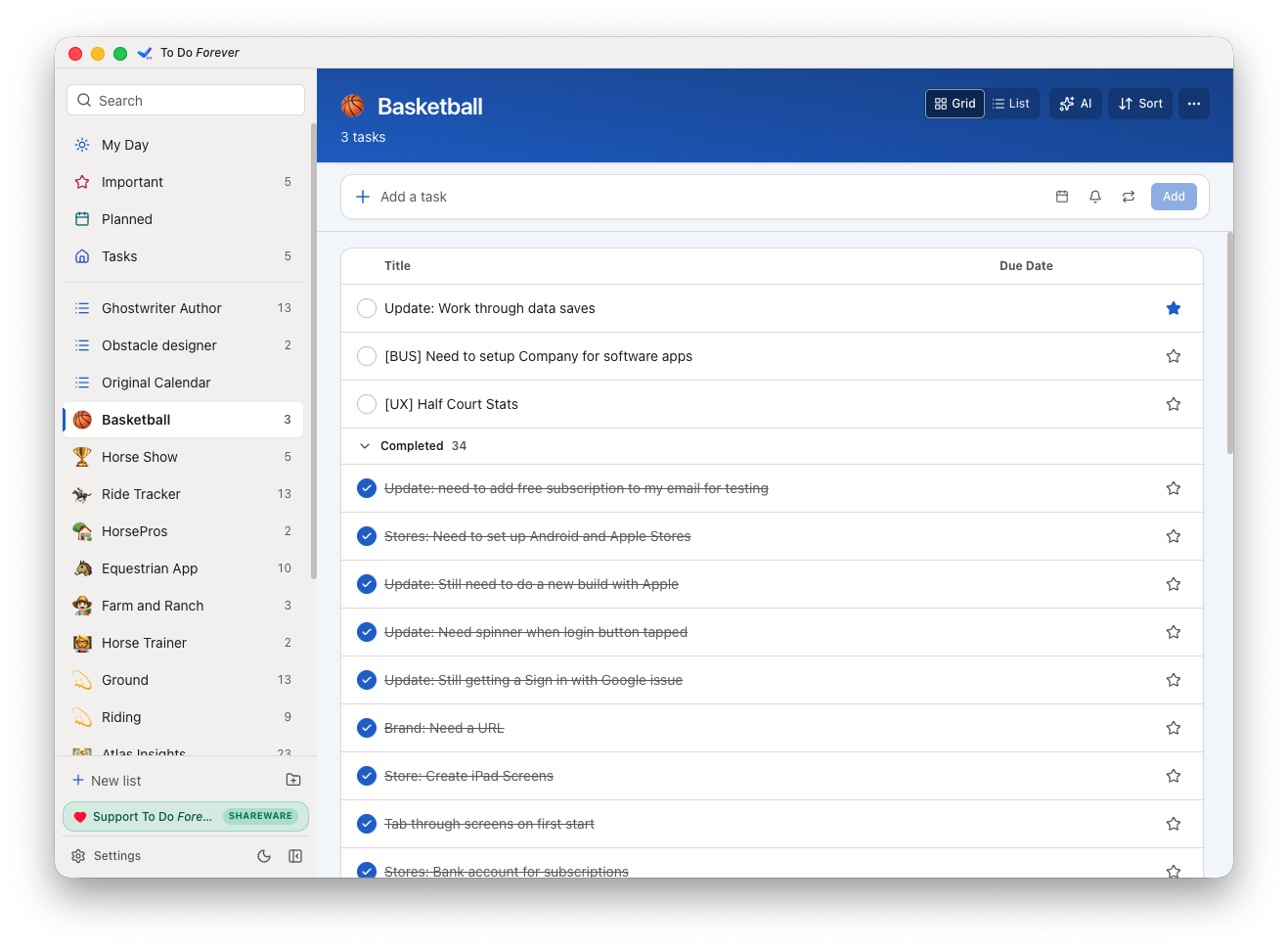
Focus with My Day, Suggestions, Important, and Planned. Group custom lists, switch between grid and list, then search or sort to find what’s next.
☼ My Day
☆ Important
▣ Planned
04 / FROM IDEA TO DONE
The details that
keep it moving.
Break work into reorderable steps—or promote a step to a task. Add due dates, reminders, recurring schedules, notes, link previews, and local files.
Due dateReminderRepeatNotes
05 / YOUR OWN RHYTHM
Make it feel
like your space.
Pick from seven styles, including macOS, Material, Windows 95, and XP. Tune light or dark mode, accent colors, and per-list themes to suit you.
+
⌘
06 / KEEP YOUR FLOW
Good ideas.
One shortcut away.
Create tasks, add lists, search, or mark work done with keyboard shortcuts. Searchable settings let you tune the details of your workflow.
Ctrl + F