To Do Forever · 2026.11.28
Plan your day.
Make it your own.
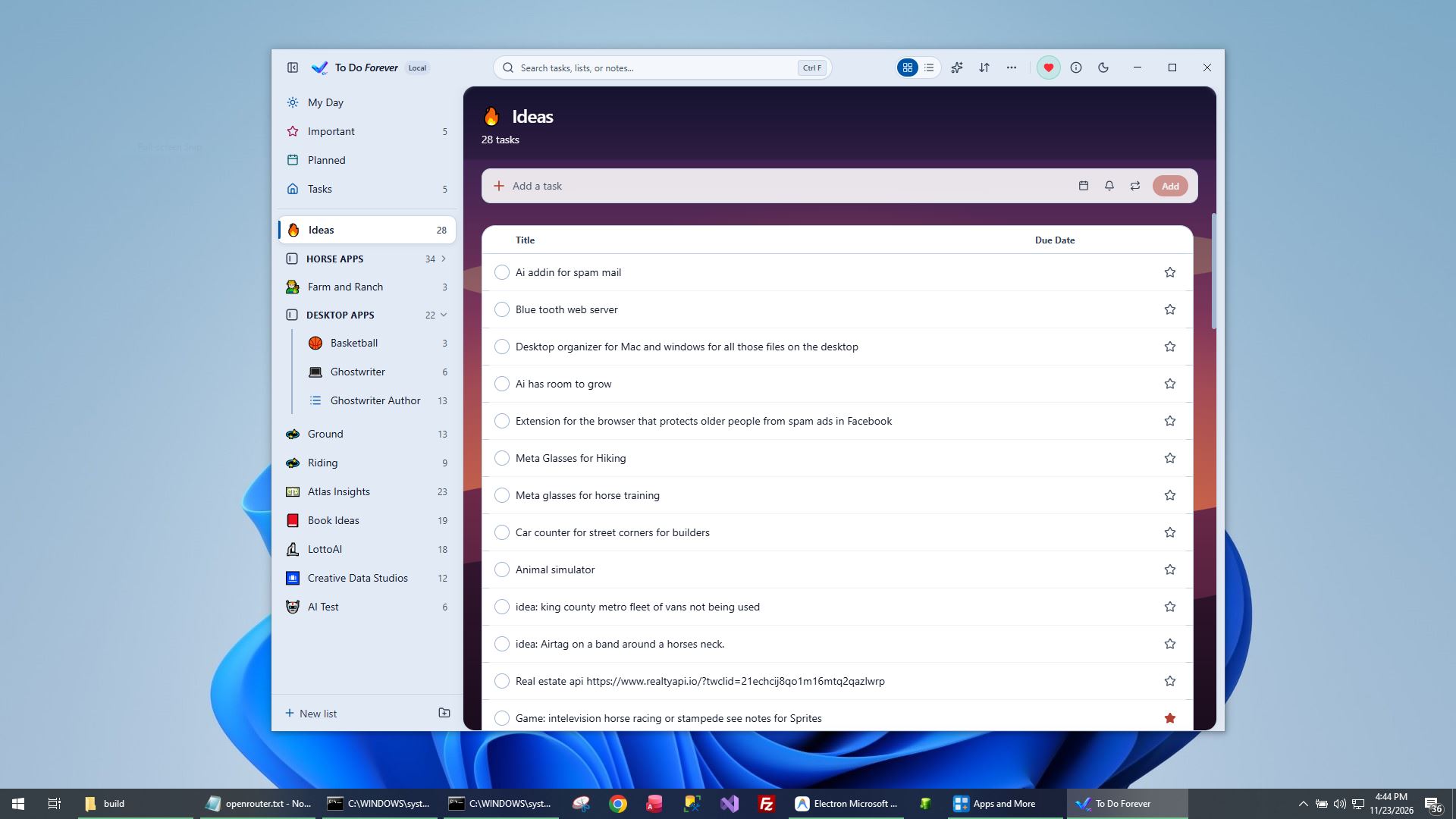
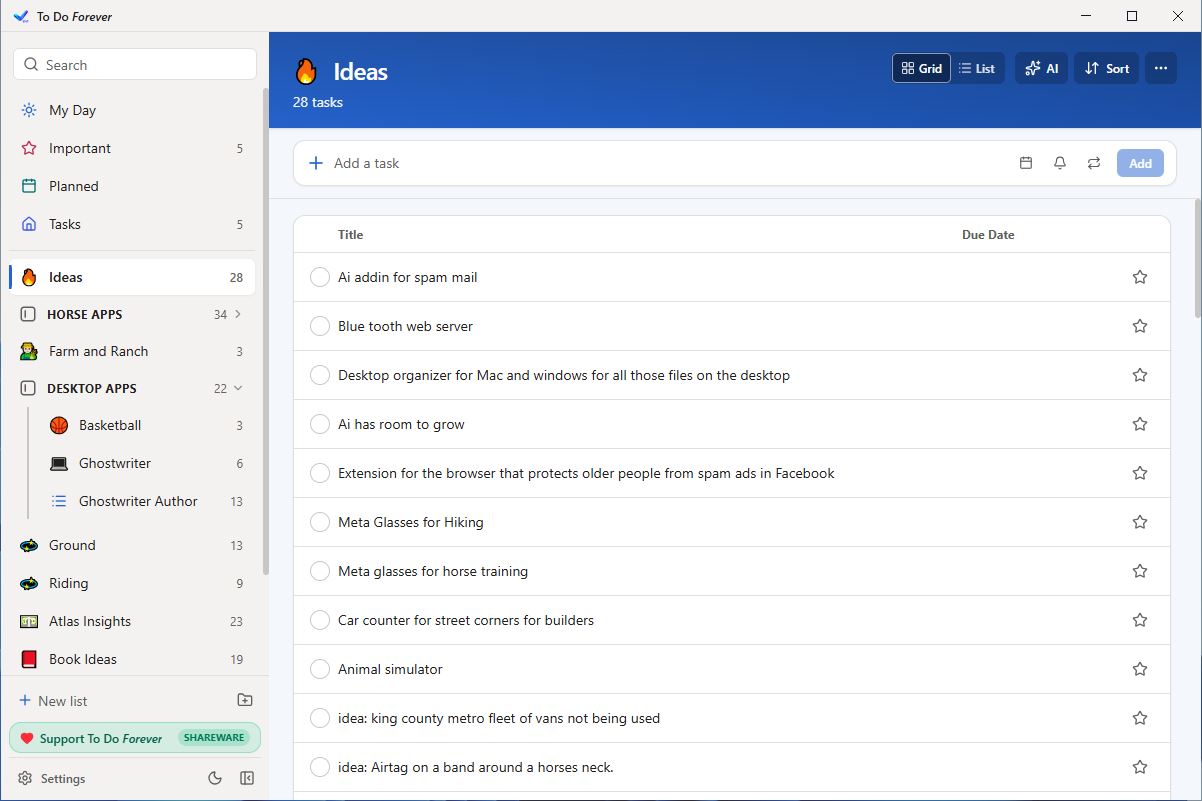
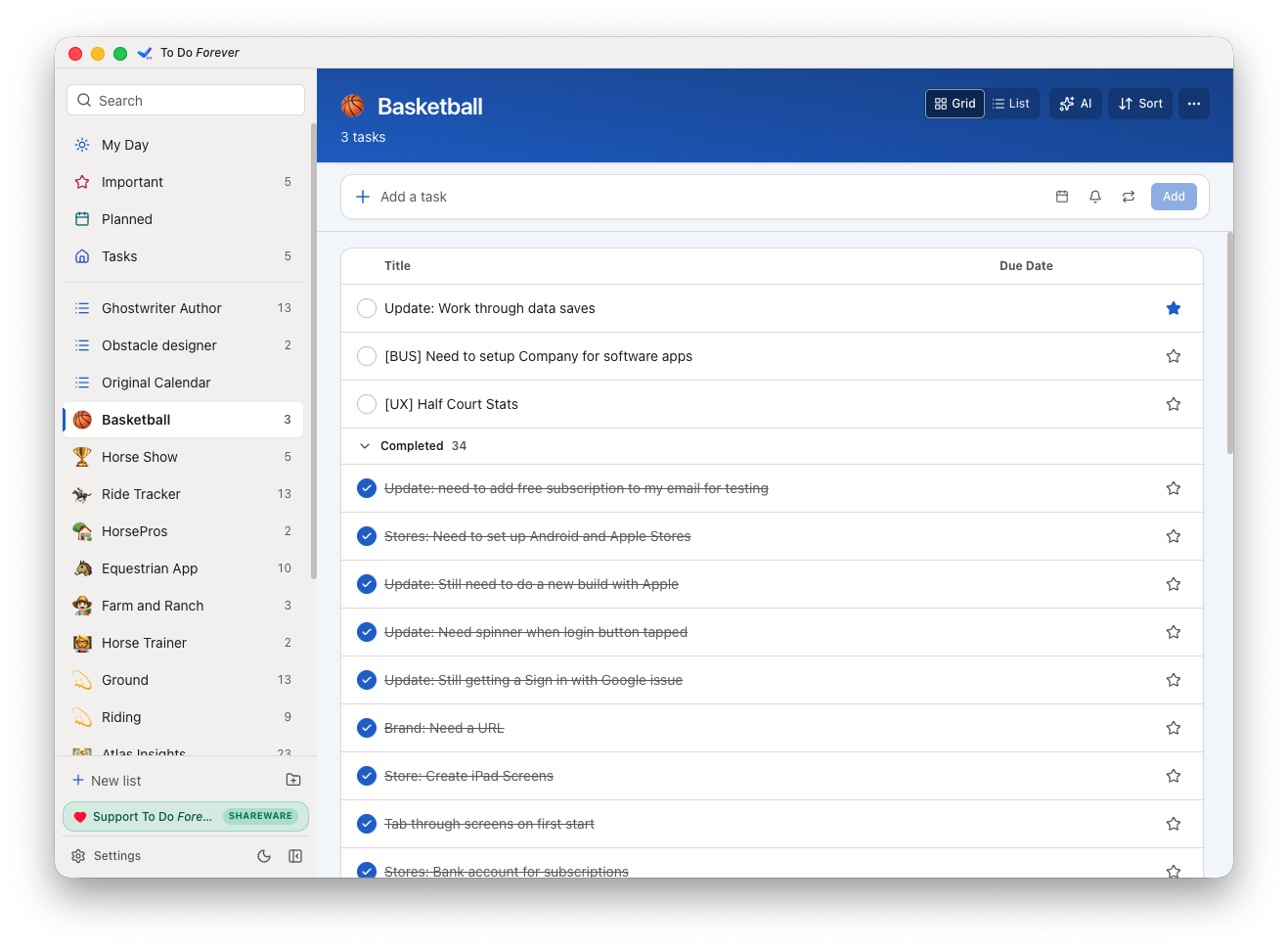
Flexible planning views, focused work sessions, rich task documents, and shared lists—backed by local-first storage and cloud sync across your devices.
✓
QUICK ADD
01 / FASTER CAPTURE
Just type.
Quick Add gets it.
Add tasks in natural language—like “Finish deck tomorrow 2pm 45m !high”—and Quick Add reads dates, times, priorities, and durations. Capture with Cmd/Ctrl+Shift+Space, Cmd/Ctrl+K, or todoforever://add.
▦
02 / KANBAN + PRIORITIES
See the work
from every angle.
Switch any list to a drag-and-drop Kanban board with custom columns, or use the Eisenhower Matrix to sort tasks into Do First, Schedule, Delegate, and Eliminate. Adjust urgency thresholds to fit your workflow.
↗
▤
03 / TIME-BLOCKING
Give every task
a place in your day.
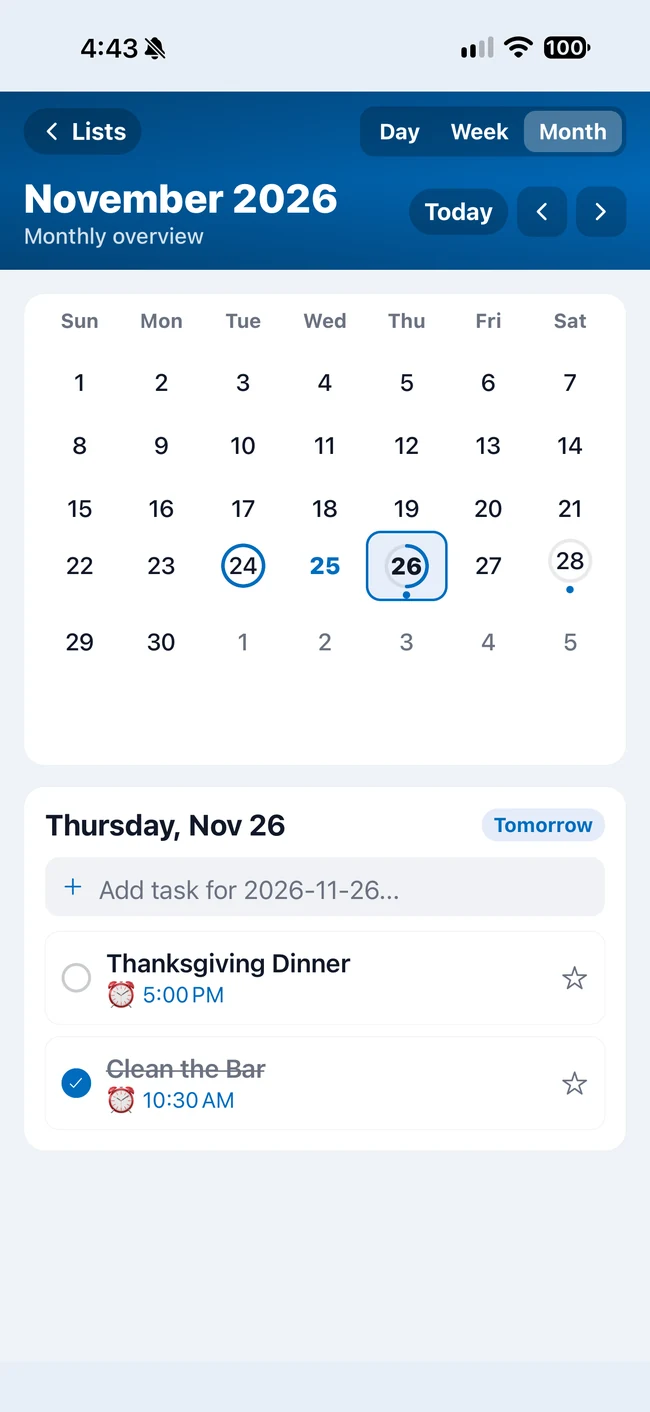
Drop tasks onto an interactive hourly calendar, set durations, and drag unscheduled work from the Arrange Tasks drawer. Calendar feeds from Google, iCloud, or Outlook fit alongside your plan.
◷
04 / FOCUS + POMODORO
Focus on one task.
Track your progress.
Start a focus session from any task with configurable work, short-break, and long-break intervals. Focus minutes are tracked automatically and synced across your devices.

05 / NOTES + DOCUMENT EXPORT
Let your notes
take center stage.
Expand task notes into a distraction-free Markdown editor with Page Width and Wide layouts. Export a document in one click as Word (.docx), PDF, Markdown (.md), or plain text (.txt).
✦
06 / APPEARANCE STUDIO
Your lists.
Your whole look.
Open the two-column studio from the toolbar to style a list and the whole app side by side. Mix 10 WCAG AA palettes—Midnight Lime, Tamarind Pine, Harbour Papaya, Planetarium, Teal Obsidian, Crushed Almond, Jade Plum, Space Opera, Lush Oblivion, and Siesta Eggplant—independently from 11 styles: Default, Apple Glass, macOS, Material, Fluent, Windows 95, Windows XP, Precision, Neo-Brutalist, Studio Paper, and Bento Soft. Add frosted cards over 17 photorealistic backdrops, including Family, Groceries, Sports, School, Travel, Startup, and refreshed nature and city scenes. Streamlined To Do and Assistant branding and single-line task cards complete the polish.
⌘
07 / SHARED LISTS
Know what’s shared
and who’s on it.
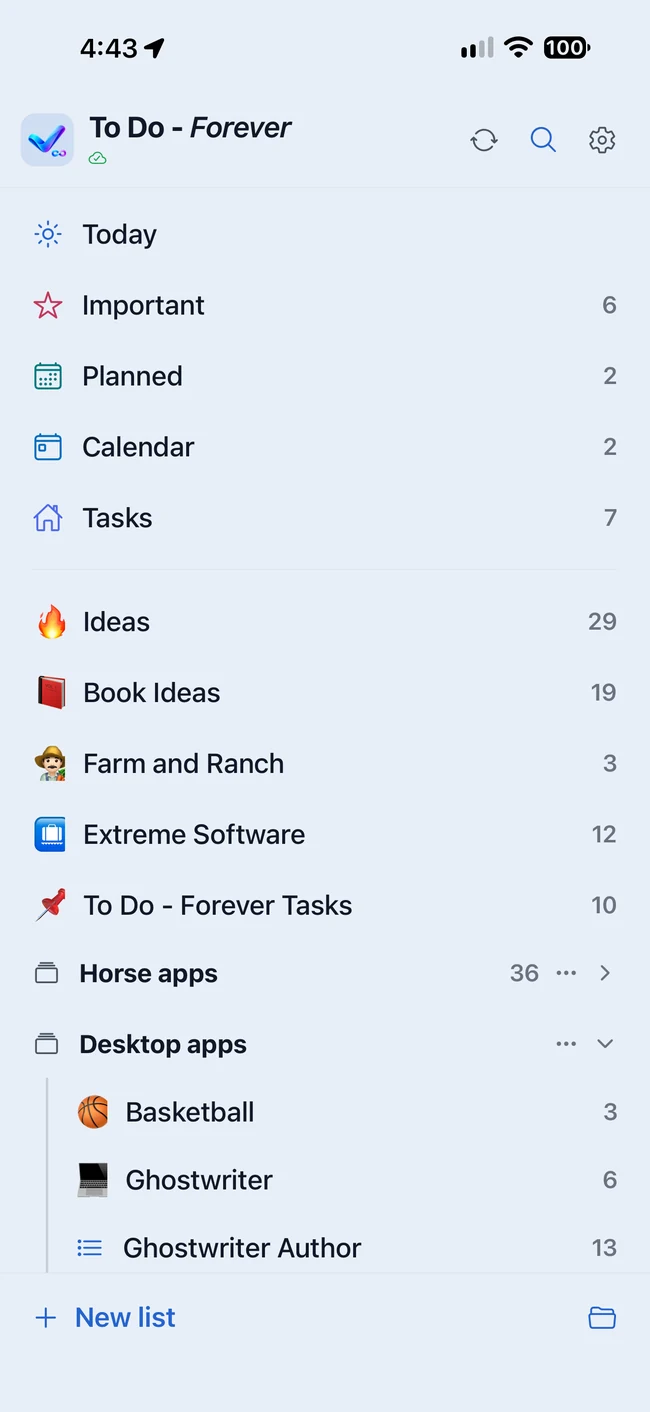
Clear sidebar icons and clickable header pills distinguish lists you shared from those shared with you. New-task +N badges appear in the sidebar and collapsed groups, then clear when you open the list. The Assignee picker sits above Add to My Day, alongside task comments and mentions; invite links copy reliably and sharing dialogs stay clear.
↗
08 / UNIVERSAL IMPORT
Bring your tasks
with you.
Import existing tasks from Microsoft To Do, TickTick, Todoist, and Notion CSV, alongside Superlist, generic CSV, and Markdown checklists. Preview your import and guard against duplicates.
⟳
09 / CLOUD SYNC V8
Your plan, in sync
across devices.
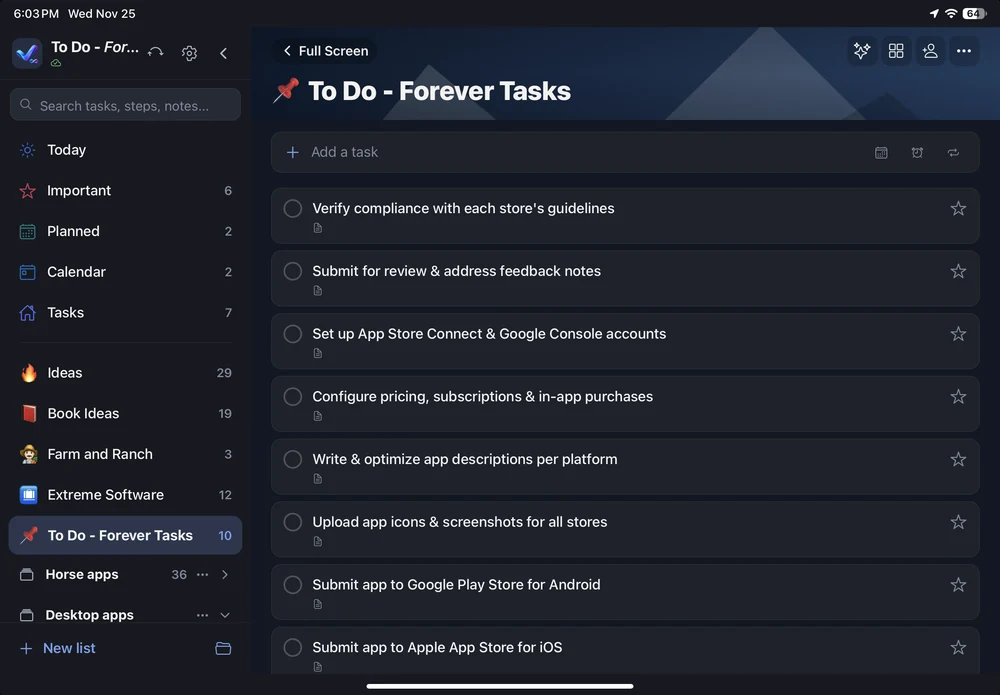
Sync time blocks, durations, focus minutes, sections, Eisenhower and Pomodoro settings, and shared-list membership across macOS, Windows, iOS, iPadOS, and Android.
✧
10 / BUILT-IN AI
Turn thoughts into
action instantly.
Dictate a voice brain dump or paste meeting notes, Slack threads, or emails. Review extracted tasks before adding them, using your own OpenAI Whisper or Gemini key with no monthly markup.